One little scene, ready for crayons

AI Coloring Page Generator

Describe a moment, choose the line complexity, and create an original 300 DPI page ready to print.

Your idea
starts here
One idea, one happy page

Coloring Page Playground

2Who is coloring today?

Clear medium-thick outlines with friendly, moderate detail.
Publishing on KDP? Remember to disclose AI-generated content during setup.

One purchased credit makes one illustration. Your download includes a 300 DPI PNG and a commercial use license.
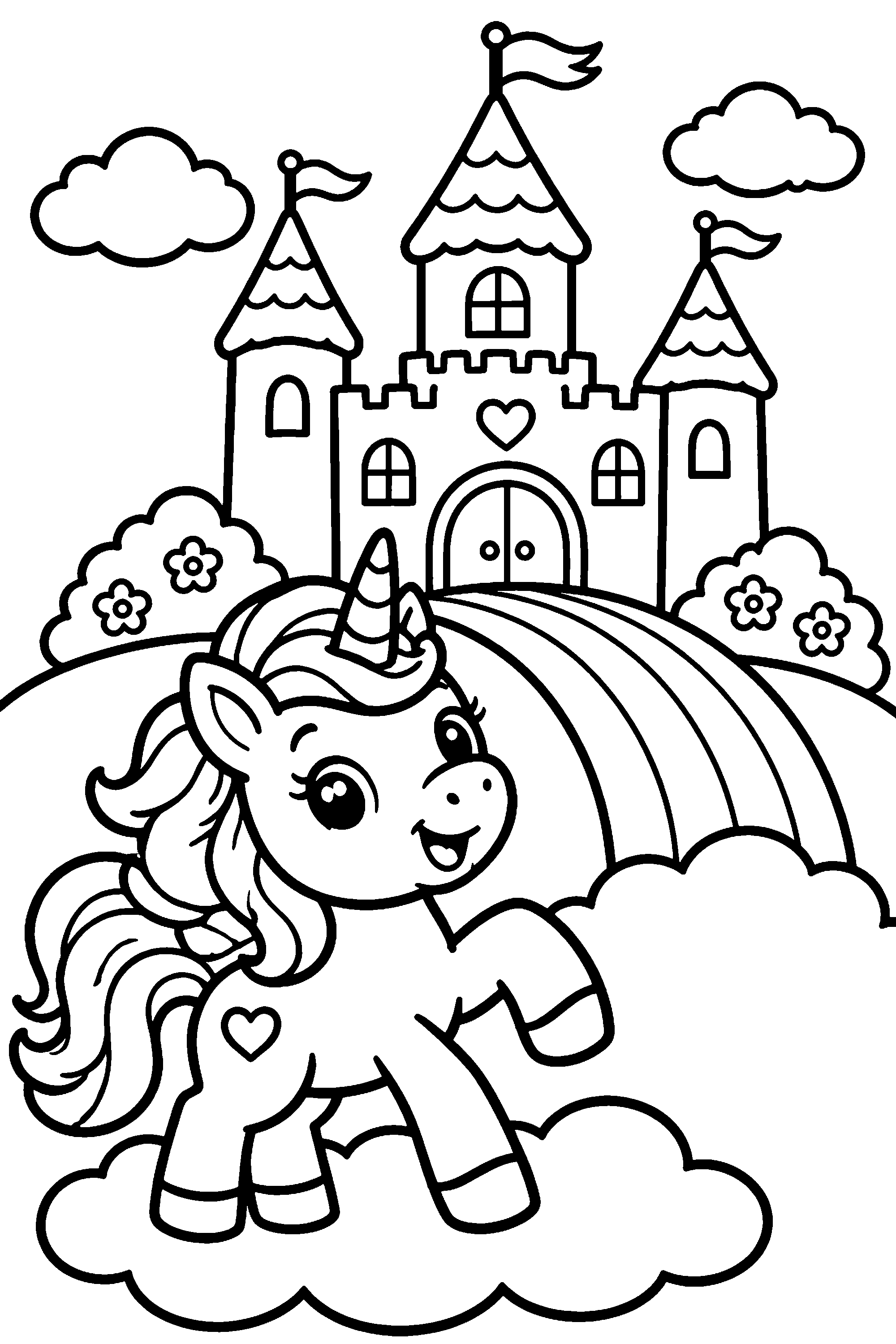
Unicorn Rainbow Castle, real 300 DPI sampleReal 300 DPI line sample
One page is fun. A whole story is even better!

Keep the adventure going

Bring this idea and age setting into the storybook maker. Add a name, more pages and the same friendly hero.

Turn it into a storybook
From sentence to printable

How to use the AI coloring page generator

Describe one clear moment

Describe one subject, one action, and one simple setting.

Choose who will color it

Pick an age to set line weight and scene detail.

Review before you print

Check the lines, then download your PNG and license.

Pay once, create your way

Choose an illustration credit pack

Every pack includes the same page tools and commercial use license.

starter pack

My first storybook

$9.90

50 illustration credits

  • Pay once, no subscription
  • Complete printable book files
  • Commercial use license
creator pack

A stack of adventures

$19.90

120 illustration credits

  • Pay once, no subscription
  • Complete printable book files
  • Commercial use license

One credit = one illustration, including retries. No subscription or free AI generation.

More ways to make pages

Explore the free print tools

Convert photos and assemble print files locally for $0.

Creator guide · optional deep dive

AI coloring page generator: prompts, line quality, and printing

Prompt examples, age settings, output review, downloads, and commercial use.
Read guide

Build one focused scene

  • Describe one subject performing one understandable action. A small otter stacking pebbles beside a pond gives the generator a clear visual center.
  • Add a simple setting and only the props that support the action. Unrelated objects create clutter and reduce the size of useful coloring spaces.
  • Original outfits and markings make a character distinctive. Try round goggles, a leaf-patterned scarf, or a star-shaped patch instead of naming an existing franchise.
  • For very young colorists, request an uncluttered background and large closed shapes. Remove extra flowers, insects, furniture, and distant scenery when the result feels busy.
  • For a more detailed page, add relevant patterns such as layered feathers, curling reeds, or concentric ripples rather than simply asking for more detail.

Prompt starters you can adapt

  • Broad shapes: “A round baby hippo watering one tall sunflower, smiling, with three large clouds.” Keep the youngest setting and remove props for simpler results.
  • Playful kids’ scene: “A curious raccoon scientist mixing bubbles in a woodland laboratory, wearing round goggles and a leaf-patterned scarf.”
  • Intricate nature page: “A graceful heron among curling reeds, water lilies, and concentric ripples, with layered feathers and botanical details.”
  • Story starting point: choose a stable hero, then imagine related moments such as packing a bag, meeting a friend, solving a problem, and returning home.
  • Treat these as structures rather than magic phrases. Replace the subject, action, setting, and defining details with your own original ideas.

Choose an appropriate age setting

  • Ages 2–4 use thick contours, broad enclosed spaces, and little background detail for early coloring with chunky crayons.
  • Ages 5–8 balance a recognizable scene with moderate detail, clear boundaries, and enough open space for crayons or markers.
  • Ages 9–12 allow smaller patterns and richer scenery for children who can work carefully with finer tools.
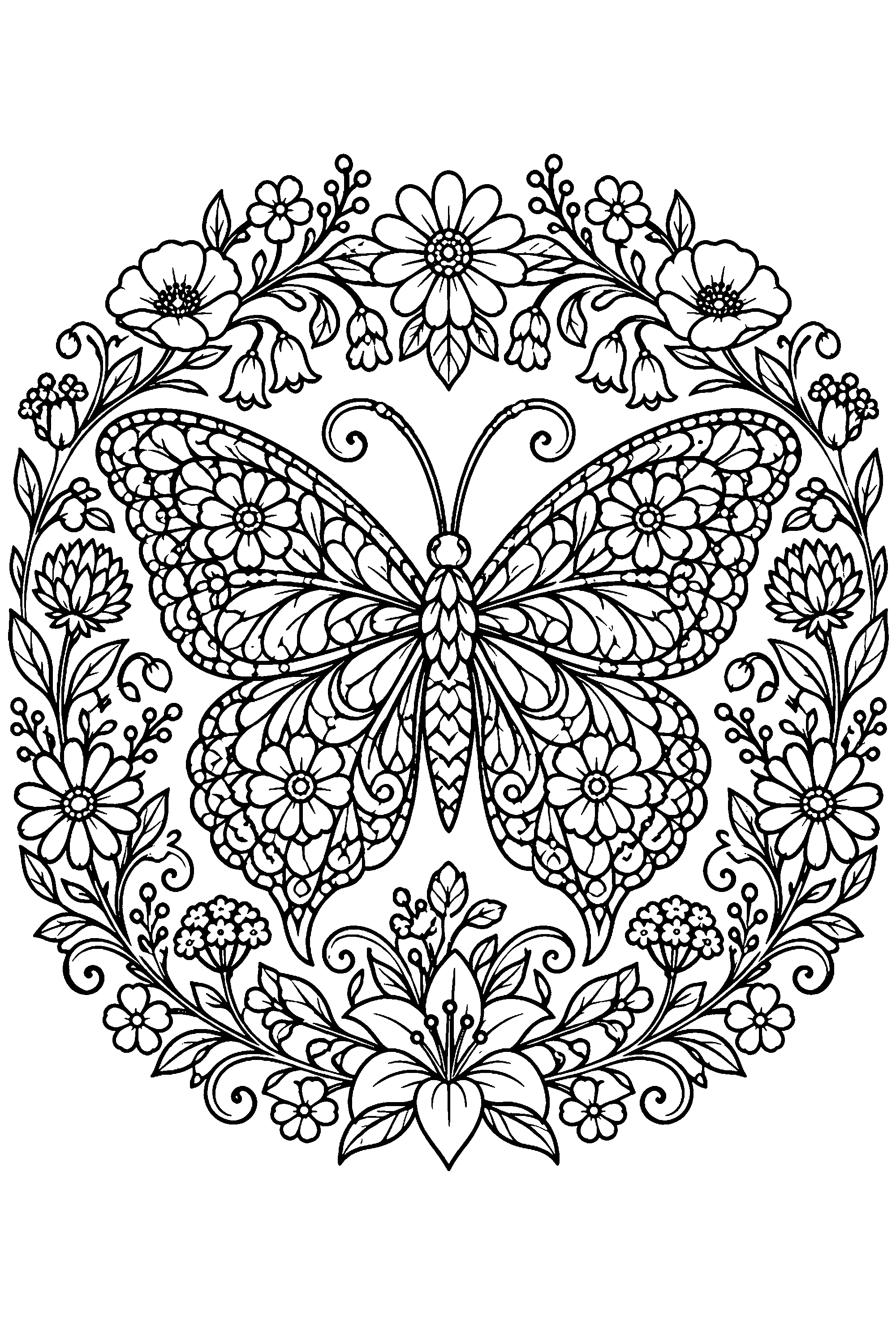
  • Adult intricate pages emphasize delicate linework and repeated details. Inspect narrow gaps at final print size before choosing pens or pencils.
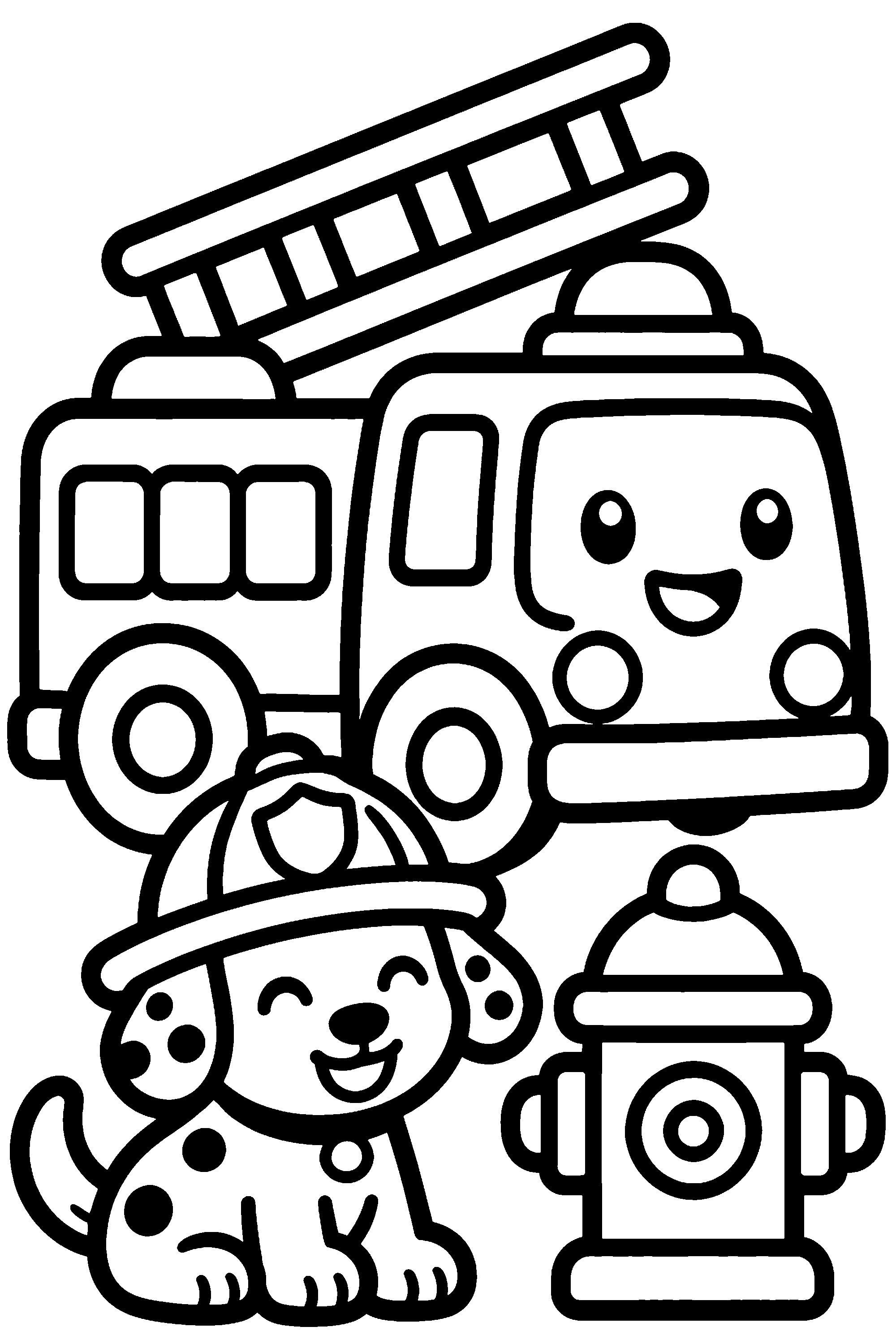
  • Compare the real samples above and select by desired complexity, not only by chronological age. Individual motor skills and preferences vary.

Inspect the generated line art

  • Open the downloaded PNG and zoom into intersections between objects. Useful boundaries should be intentional, recognizable, and supported by a white interior.
  • Check faces, hands, paws, and small props for malformed shapes. A polished thumbnail can still hide broken contours or confusing anatomy.
  • Look for large unintended black patches, pale broken lines, and isolated specks. Simplify the prompt when shadows or textures become visual noise.
  • Make sure enclosed regions suit the coloring tool. A beautiful pattern is impractical when its spaces are too narrow for the intended crayons.
  • Change one prompt variable at a time on a retry. This makes it easier to learn whether composition, age, or background wording caused the issue.

Understand credits and saved results

  • One purchased credit creates one illustration. A retry creates another image and therefore uses another credit; there are no free AI generations.
  • The paid output includes a 300 DPI PNG workflow and a non-exclusive commercial use license for printed products.
  • Completed pages are saved to My Books. Check the shelf before submitting again if a connection pauses or the browser closes unexpectedly.
  • Turning an idea into a book carries its theme and age into the storybook workbench. Review every field there before starting another generation.
  • The free printable gallery and browser-based photo, cover, and interior tools do not consume paid illustration credits.

Print without accidental scaling

  • Choose the paper that matches the document in both the tool and print dialog. Avoid fitting the page twice through separate scaling settings.
  • Print one ordinary-paper proof before heavier stock or multiple copies. Check line darkness, printer margins, clipping, and actual coloring comfort.
  • A 300 DPI file supports a high-resolution workflow, but source quality and final physical size still matter. Inspect the printed result rather than relying on the number alone.
  • Keep an untouched original before editing in graphics software. Review any cleaned or resized copy at its final dimensions before assembling a book.
  • For several illustrations, use the interior assembler to control page order, blank backs, nameplates, and final manuscript length.

Rights and Amazon KDP disclosure

  • The commercial license permits qualifying uses of purchased generated pages in printed products. It does not transfer copyright in AI-generated images.
  • Third-party characters and trademarks are excluded. Describe an original design rather than attempting to reproduce protected intellectual property.
  • When Amazon KDP asks whether content is AI-generated, disclose the illustrations accurately. The final publishing answers remain the publisher’s responsibility.
  • Review current platform rules and your own source material before sale. A generated license cannot grant rights in material supplied by someone else.

Fix common detours

  • If the scene is too busy, reduce it to one subject and one action, remove repeated props, and select a simpler age setting.
  • If the result is too plain, add one relevant object or pattern. Adding an entire crowd or landscape usually creates a different composition problem.
  • If generation appears interrupted, open My Books before trying again. A completed result may already be saved even when the browser lost its connection.
  • If a prompt is blocked, replace protected names with original visual features and personality. Do not repeatedly submit variations intended to evade the check.
Helpful answers, zero boring bits

AI coloring page generator questions

For little artists, grown-up helpers and book creators too.

Will my coloring page have gray shading?

The generation contract requests pure white backgrounds, crisp black outlines, and closed coloring spaces. Review the downloaded file because every result still needs inspection.

Are the samples real generated pages?

Yes. The gallery uses real 300 DPI pages from our sample library. They illustrate different levels of detail; generated results vary.

Can I use a page in a book I sell?

Purchased generations include a non-exclusive commercial use license for printed products. It does not transfer copyright or grant rights to protected characters.

Can one idea become several connected pages?

Yes. Choose “Turn it into a storybook” to carry the theme and age into the book workbench, where Storybook mode keeps a character anchor.

Do I need design software before printing?

No. Download the finished PNG or assemble a PDF with the free interior tool. Graphics software is optional for manual cleanup or custom layouts.

What does one credit cover?

One credit creates one AI illustration. A retry creates another image and uses another credit. Credit packs are one-time purchases, not subscriptions.

Which prompt details improve the first result?

Name one original subject, one action, a simple setting, and a few defining features. Remove unrelated props when you need larger coloring spaces.

What should I check before printing?

Inspect contours, faces, hands or paws, and small enclosed spaces at full size. Print one proof to check scale, line darkness, margins, and coloring comfort.